Using AI: AI-Tools & AppHubAI
The use of commercial AI tools (e.g. ChatGPT, Gemini, Copilot and Claude) carries a number of dangers and risks. In addition to high costs, the use of these tools is also associated with data protection issues. The AI tools in the AppHub, hosted locally by the University Computer Centre (URZ) in Greifswald, provide a solution to these problems. No data is shared for the purpose of training the models.
AppHubAI offers a wide variety of AI tools. There is an image generator, text-to-speech and speech-to-text models, and they can be accessed via API. Open WebUI is a further tool that provides all the functions of standard chatbots.
PLEASE NOTE! Open WebUI is a text-based AI tool that does not have an image-generation function or built-in web search. Unlike commercial search engines and AI tools, the focus is on text analysis, text editing, text comparison, summary and idea generation. The application should therefore be used in accordance with the applicable guidelines [de] and the relevant usage scenario.
Quick access to the AI tools:

Contents
Banners and images: Rights of use UG
For students
Chatbot
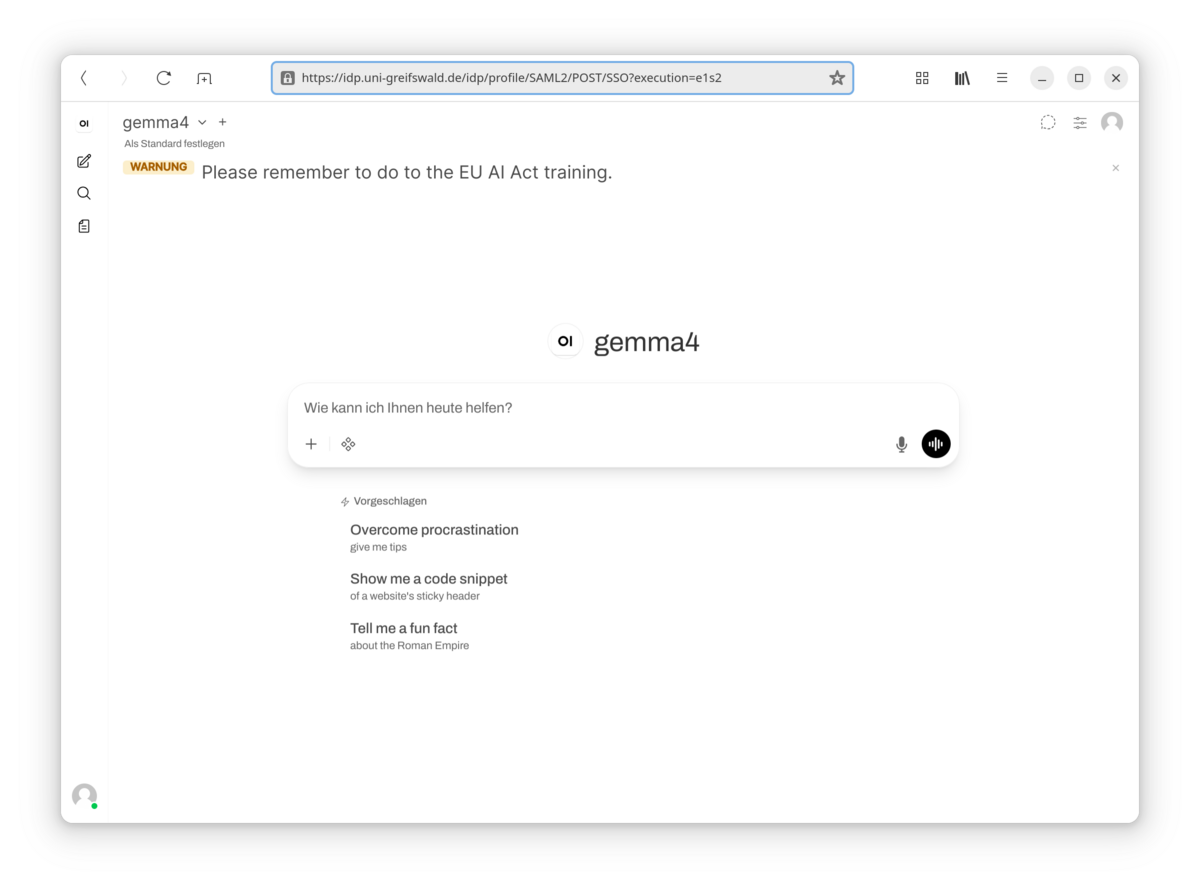
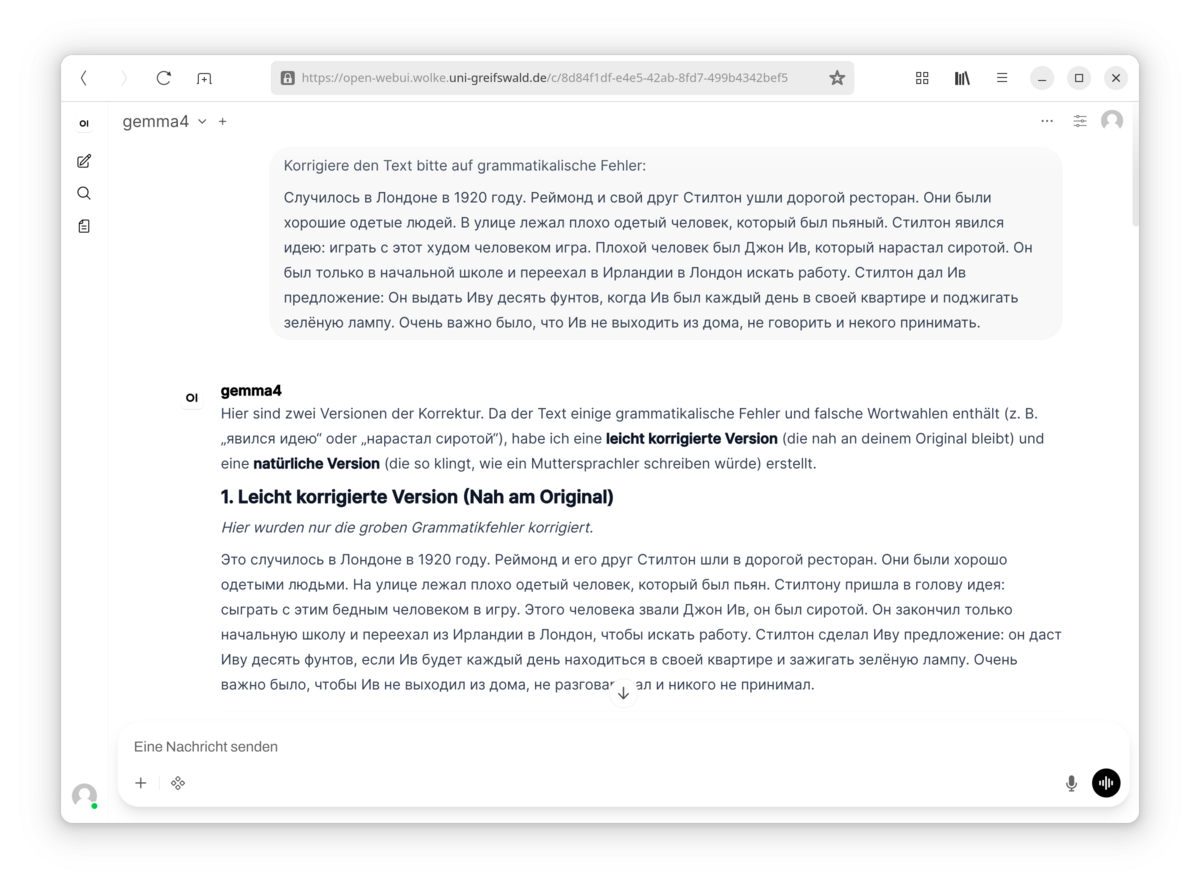
The Open WebUI chatbot is a privacy-preserving alternative to chatbots such as OpenAI’s ChatGPT or Anthropic’s Claude. The University Computer Centre offers various models in Open WebUI, with gemma4 preselected by default (see also this guide). The chatbot interface is similar to the familiar commercial providers, and the models have been developed by well-known research laboratories. As the software is hosted locally, all data remains on the university’s own servers and high-performance models are available directly, without an expensive subscription. You can also upload documents (PDFs, text files, etc.) and have them analysed. You can also use the voice assistant or have the answers read aloud to you.
Image generation
An AI image generator is also available for generating images and illustrations for use in presentations. Enter a prompt and the image generator will create an image for you.
Text to speech
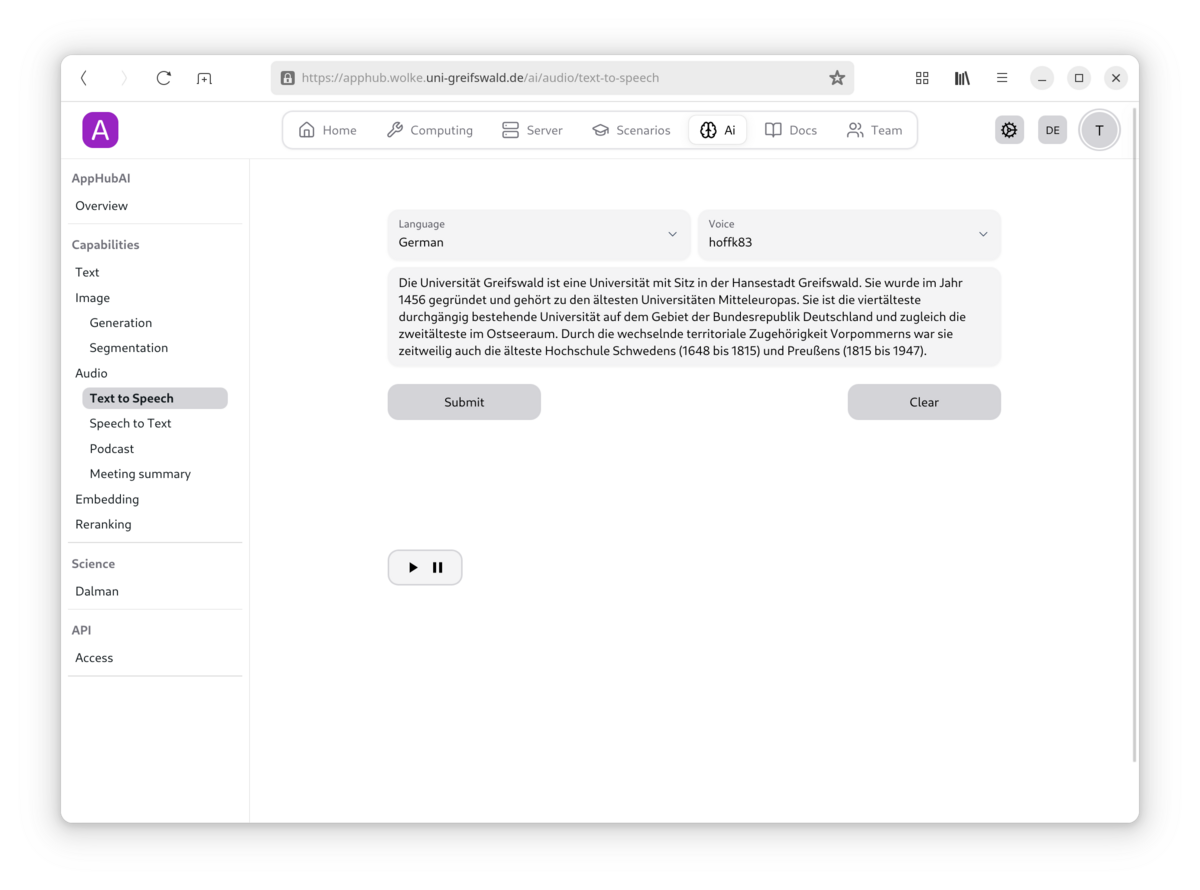
Would you like to have a text read aloud, for example for an explanatory video or tutorial? The AppHub provides you with access to a text-to-speech model for this purpose. Enter the text and have it read aloud by different voices.
Speech to text
Audio files can be transcribed using the speech-to-text model in the AppHub, for example for transcribing recorded interviews.
API
The models hosted at the Computer Centre can also be integrated into locally installed software via an API – for example, into Visual Studio Code – to provide support for coding.
For members of teaching staff
Chatbot
The Open WebUI chatbot is a privacy-preserving alternative to chatbots such as OpenAI’s ChatGPT or Anthropic’s Claude. The University Computer Centre offers various models in Open WebUI, with gemma4 preselected by default (see also this guide). The chatbot interface is similar to the familiar commercial providers, and the models have been developed by well-known research laboratories including Google DeepMind or Alibaba. As the software is hosted locally, all data remains on the university’s own servers and high-performance models are available directly, without an expensive subscription. You can also upload documents (PDFs, text files, etc.) and have them analysed. You can also use the voice assistant or have the answers read aloud to you.
Image generation
Do you require images for illustrative purposes on lecture slides or in a presentation you are holding in a seminar? The AppHub also provides an AI image generator. Enter a prompt and the image generator will create an image for you.
Text to speech
Would you like to enhance your teaching with podcasts and audio? Or produce an explanatory video to explore the content in greater depth? The AppHub provides you with access to a text-to-speech model for this purpose. Enter the text and have it read aloud by different voices. You can also have entire podcasts created for you – for example, upload your lecture slides and produce a podcast for your students to help them revise the content they have learnt.
Speech to text
Audio files can be transcribed using the speech-to-text model in the AppHub. For example, for transcribing recorded interviews.
API
The models hosted at the Computer Centre can also be integrated into locally installed software via an API – for example, into Visual Studio Code – to help with coding.
For researchers
Chatbot
The Open WebUI chatbot is a privacy-preserving alternative to chatbots such as OpenAI’s ChatGPT or Anthropic’s Claude. The University Computer Centre offers various models in Open WebUI, with gemma4 preselected by default (see also this guide). The chatbot interface is similar to the familiar commercial providers, and the models have been developed by well-known research laboratories. As the software is hosted locally, all data remains on the university’s own servers and high-performance models are available directly, without an expensive subscription. You can also upload documents (PDFs, text files, etc.) and have them analysed. You can also use the voice assistant or have the answers read aloud to you.
Image generation
The AI image generator in the AppHub can also be used to create images for illustrative purposes. Enter a prompt and the image generator will create an image for you.
Speech to text
Audio files can be transcribed using the speech-to-text model in the AppHub, for example for transcribing recorded interviews in a current research project.
API
The models hosted at the Computer Centre can also be integrated into locally installed software via an API – for example, into Visual Studio Code – to help with coding.
For the administration
Chatbot
The Open WebUI chatbot is a privacy-preserving alternative to chatbots such as OpenAI’s ChatGPT or Anthropic’s Claude. The University Computer Centre offers various models in Open WebUI, with gemma4 preselected by default (see also this guide). The chatbot interface is similar to the familiar commercial providers, and the models have been developed by well-known research laboratories. As the software is hosted locally, all data remains on the university’s own servers and high-performance models are available directly, without an expensive subscription. You can also upload documents (PDFs, text files, etc.) and have them analysed. You can also use the voice assistant or have the answers read aloud to you.
Image generation
Do you require images to illustrate information you communicate to the university public on your webpages? The AppHub also provides an AI image generator. Enter a prompt and the image generator will create an image for you.
Text to speech
Would you like to produce a video, but not wish to record the voice-over yourself? The AppHub provides you with access to a text-to-speech model for this purpose. Enter the text and have it read aloud by different voices.
Meeting summaries
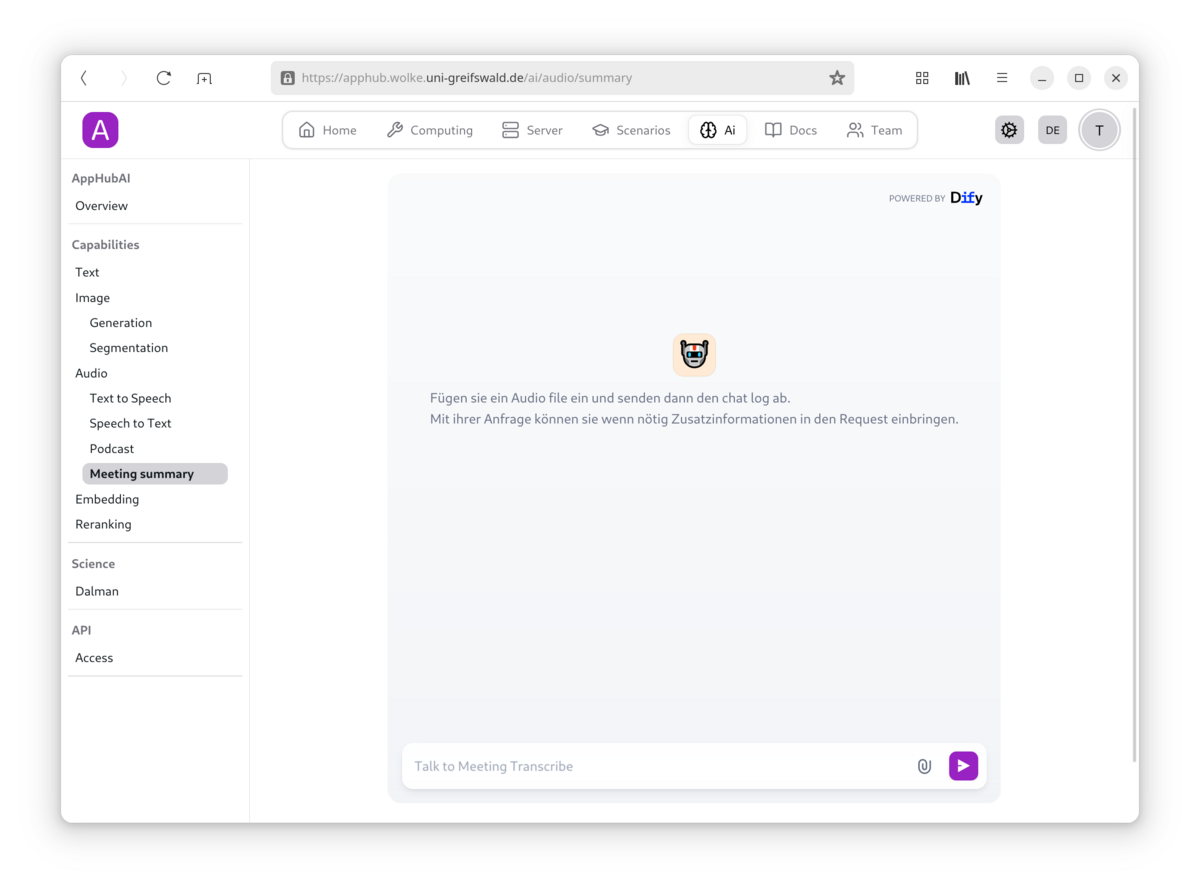
The AppHub can also be used to summarise your meetings via generative AI. You can then ask questions about the meeting via a chatbot – simply upload the audio recording of your meeting to do this. Please note that recordings require the consent of the people being recorded (audio and video).
API
The models hosted at the Computer Centre can also be integrated into locally installed software via an API – for example, into Visual Studio Code – to help with coding.